WorkUX/UI · App
Engaze
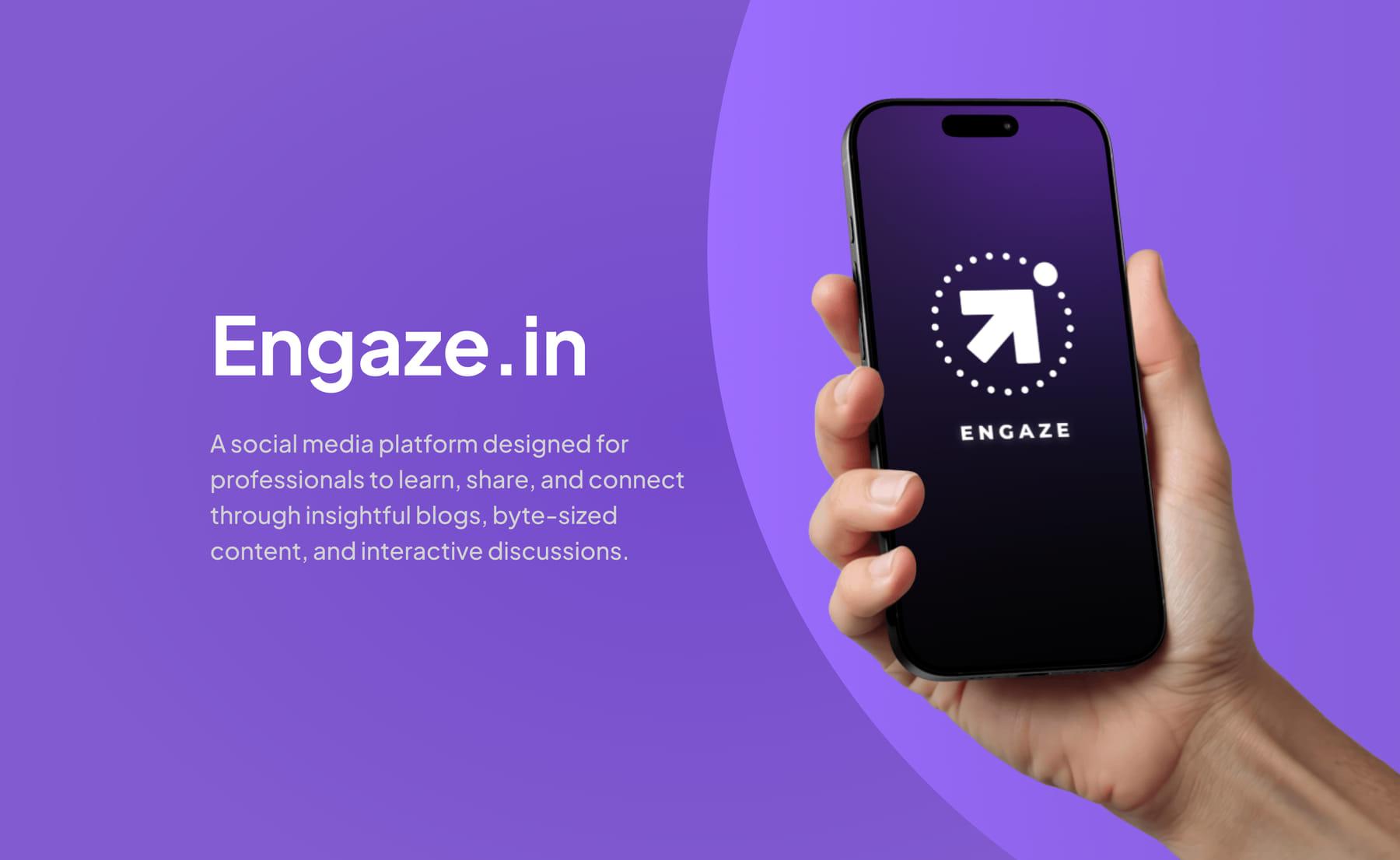
A professional social platform where blogs, byte-sized learning and job discovery share one feed.
- 6Feature areas designed
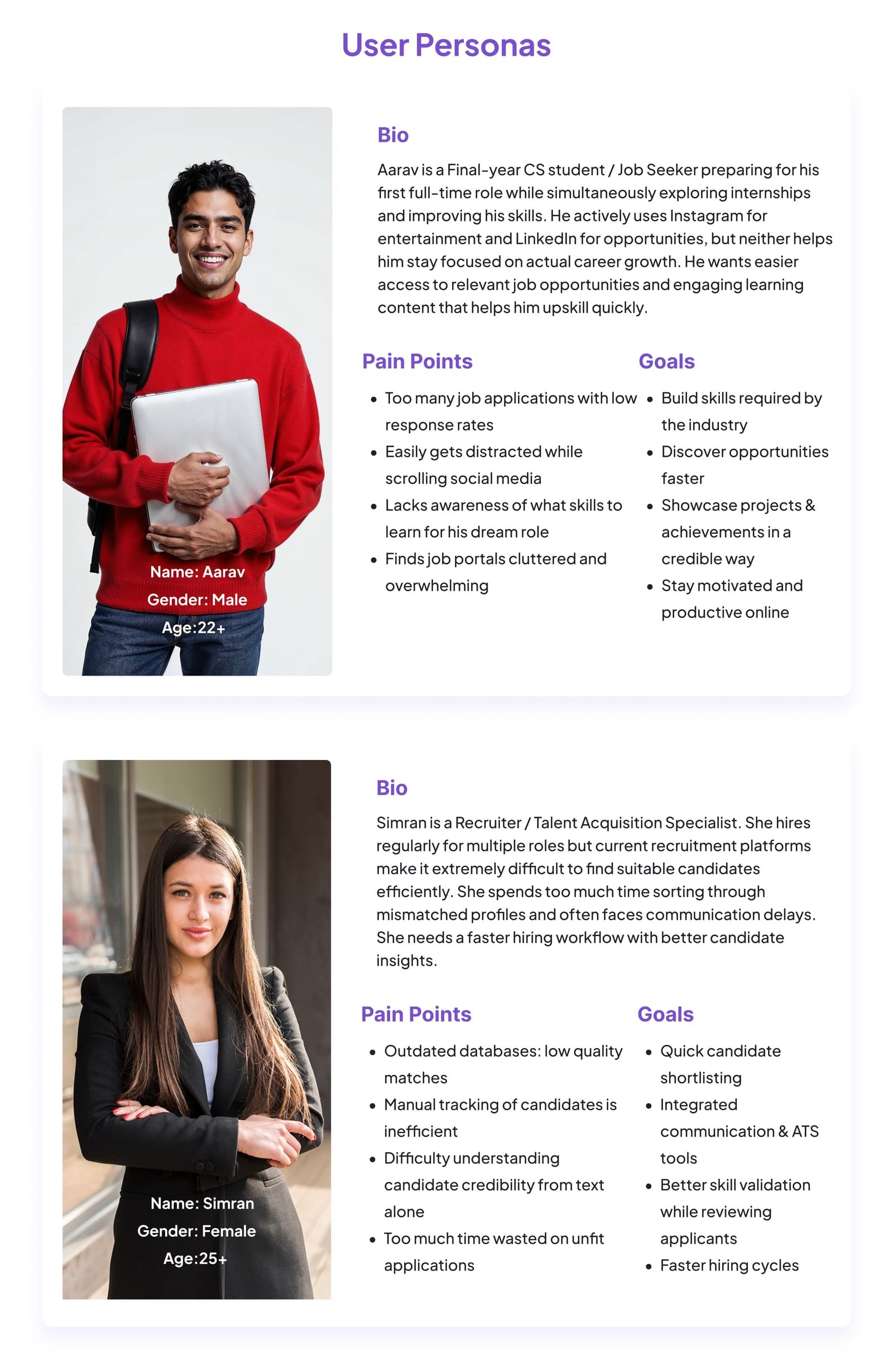
- 2User personas
- 3User types served
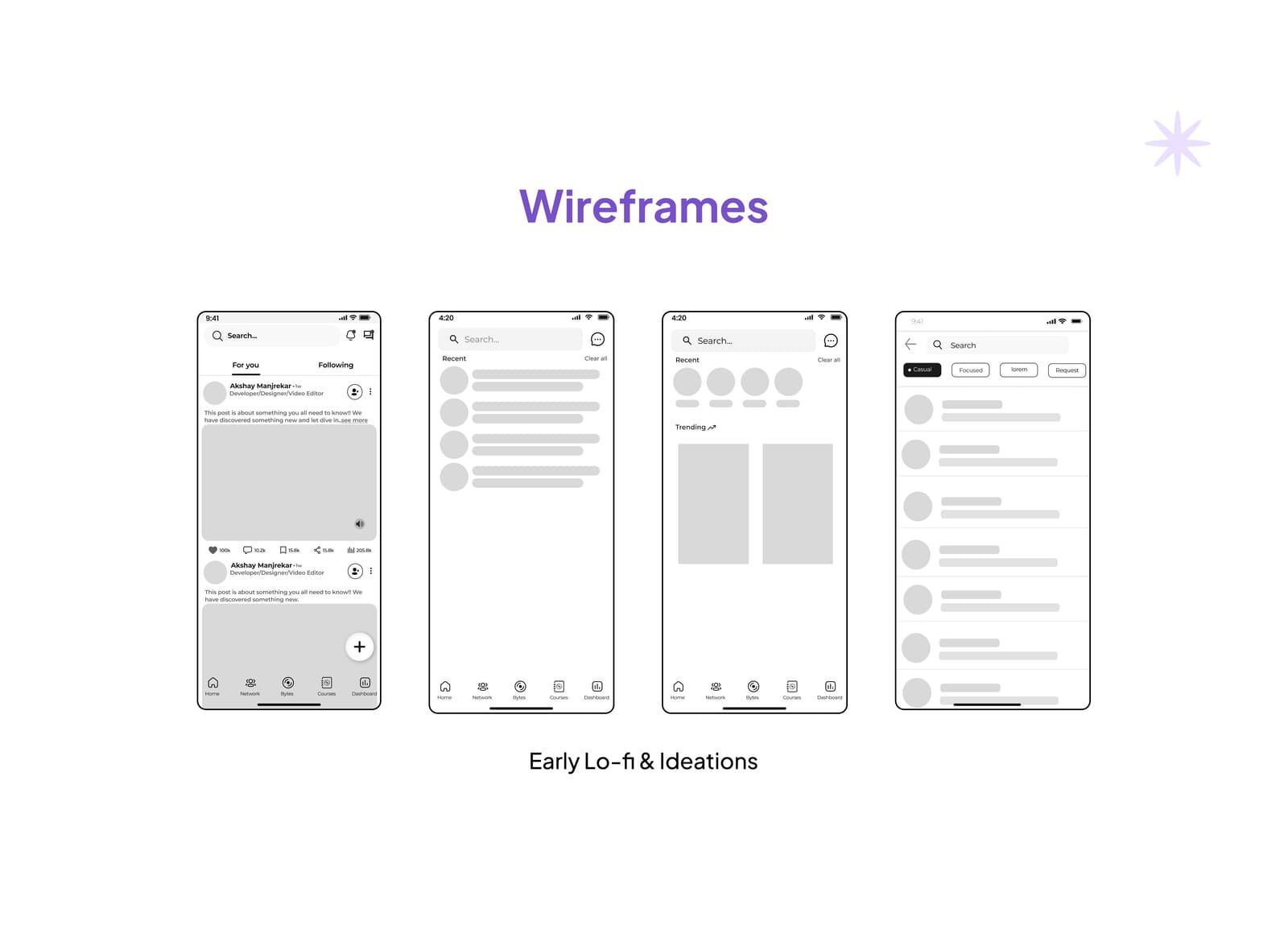
- Lo-fi → hi-fiTaken end to end
Context
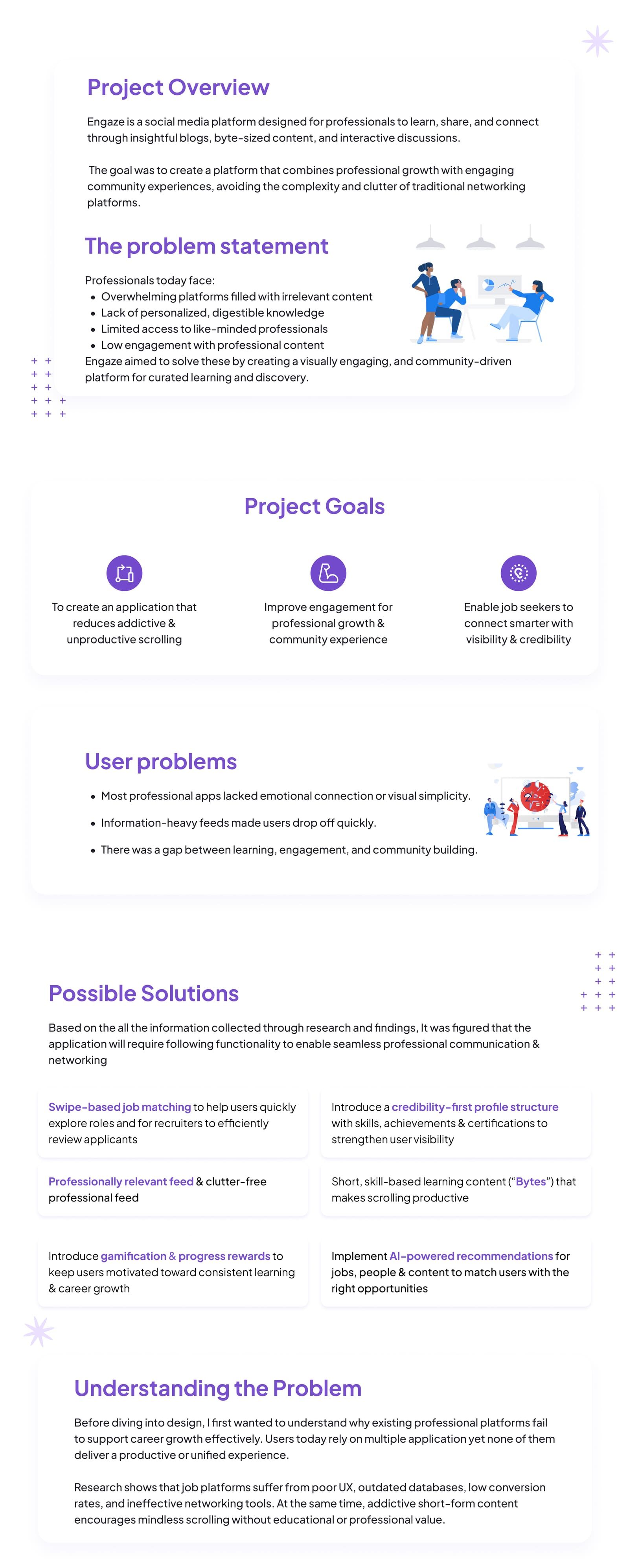
Engaze is a social platform built for professionals to learn, share and connect through blogs, byte-sized content and discussion. I joined as its first design hire and worked on the mobile app and the web platform alongside the founder and the dev team.
The problem
Professionals juggle several apps and none of them help them grow. Feeds are full of irrelevant content, knowledge is not digestible, and there is no easy route to like-minded people. Job platforms suffer from poor UX, outdated databases and ineffective networking, while short-form content encourages endless scrolling with no professional value.
- Most professional apps have no emotional connection or visual simplicity.
- Information-heavy feeds make people drop off quickly.
- Learning, engagement and community are three separate experiences.
Goals
- Reduce addictive, unproductive scrolling.
- Improve engagement for professional growth and community.
- Let job seekers connect smarter, with visibility and credibility.
What I designed
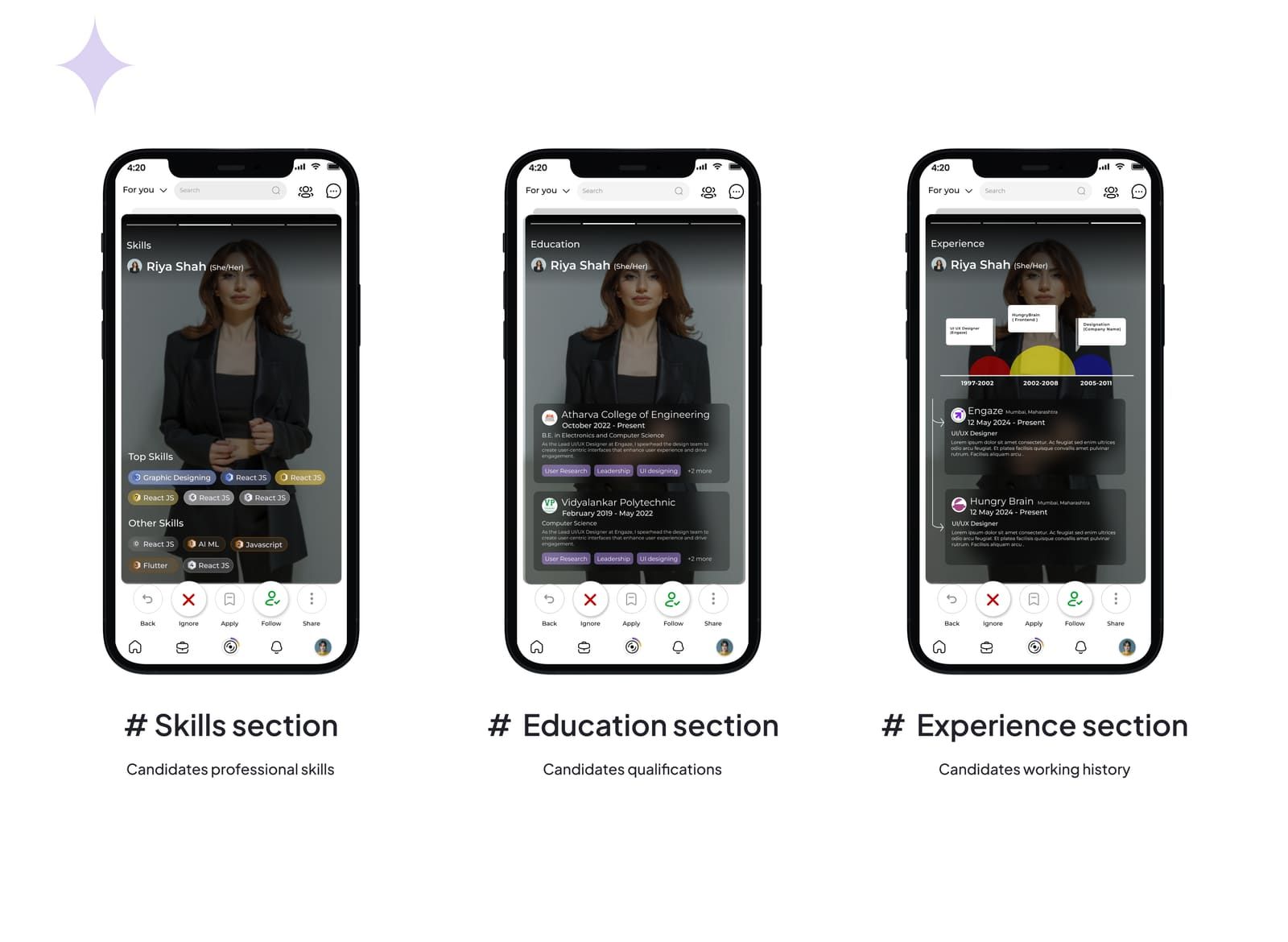
Swipe-based job matching
Candidates explore roles quickly, and recruiters review applicants without wading through mismatched profiles.
Credibility-first profiles
Skills, achievements and certifications up front, so someone can be judged on more than a block of text.
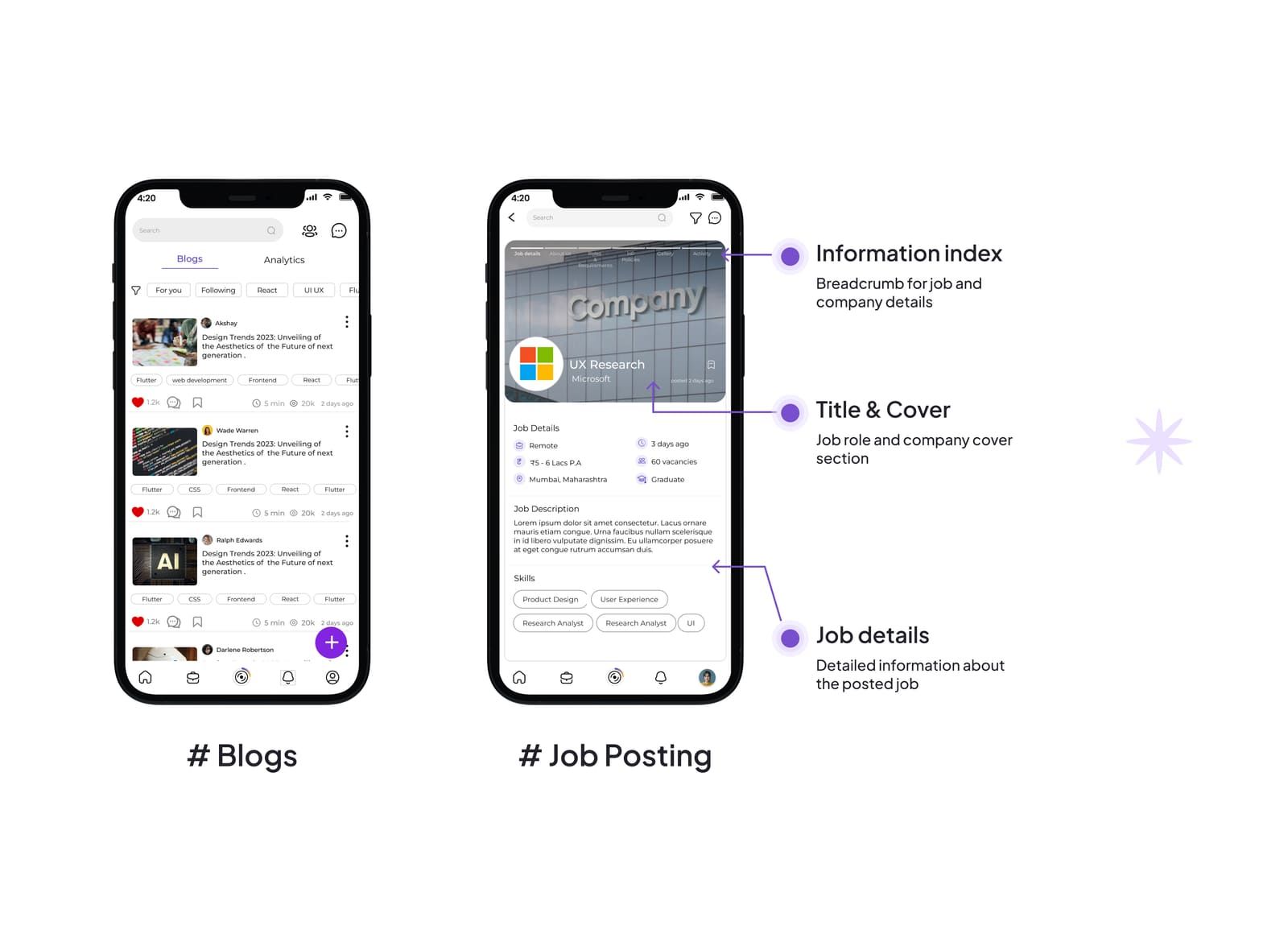
A clutter-free feed
Professionally relevant content with filters, so the feed matches the mood you opened the app in.
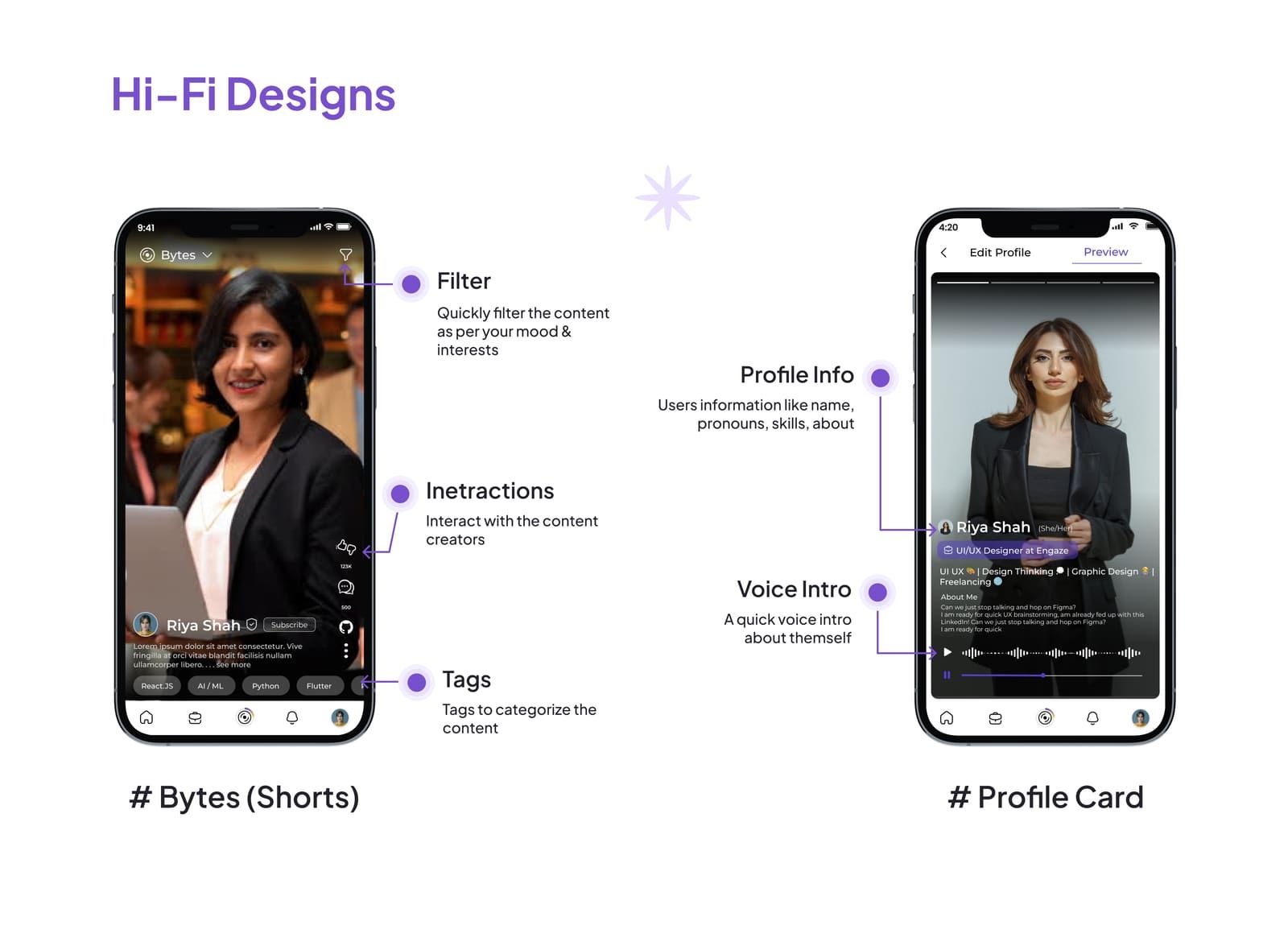
Bytes
Short, skill-based learning content that makes scrolling productive instead of a way to lose an hour.
Progress rewards
Gamification that keeps people moving toward consistent learning and career growth.
AI recommendations
Jobs, people and content matched to the user, so opportunities arrive instead of being hunted.
What I took from it
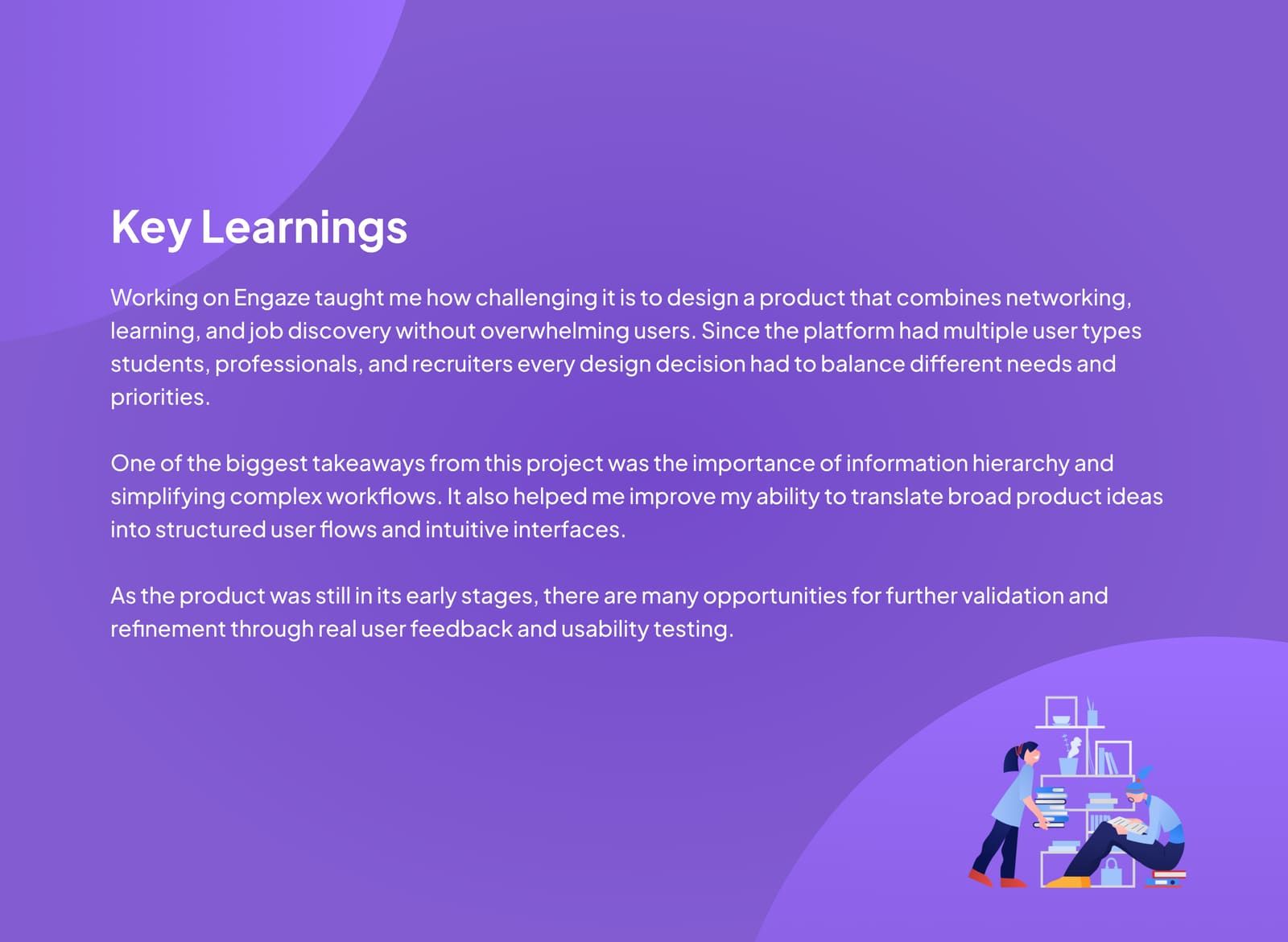
Designing for students, professionals and recruiters at once meant every decision had to balance different needs and priorities. The biggest lesson was information hierarchy, and how much is gained by simplifying a complex workflow. The product was still early, so there is plenty left to validate with real users.
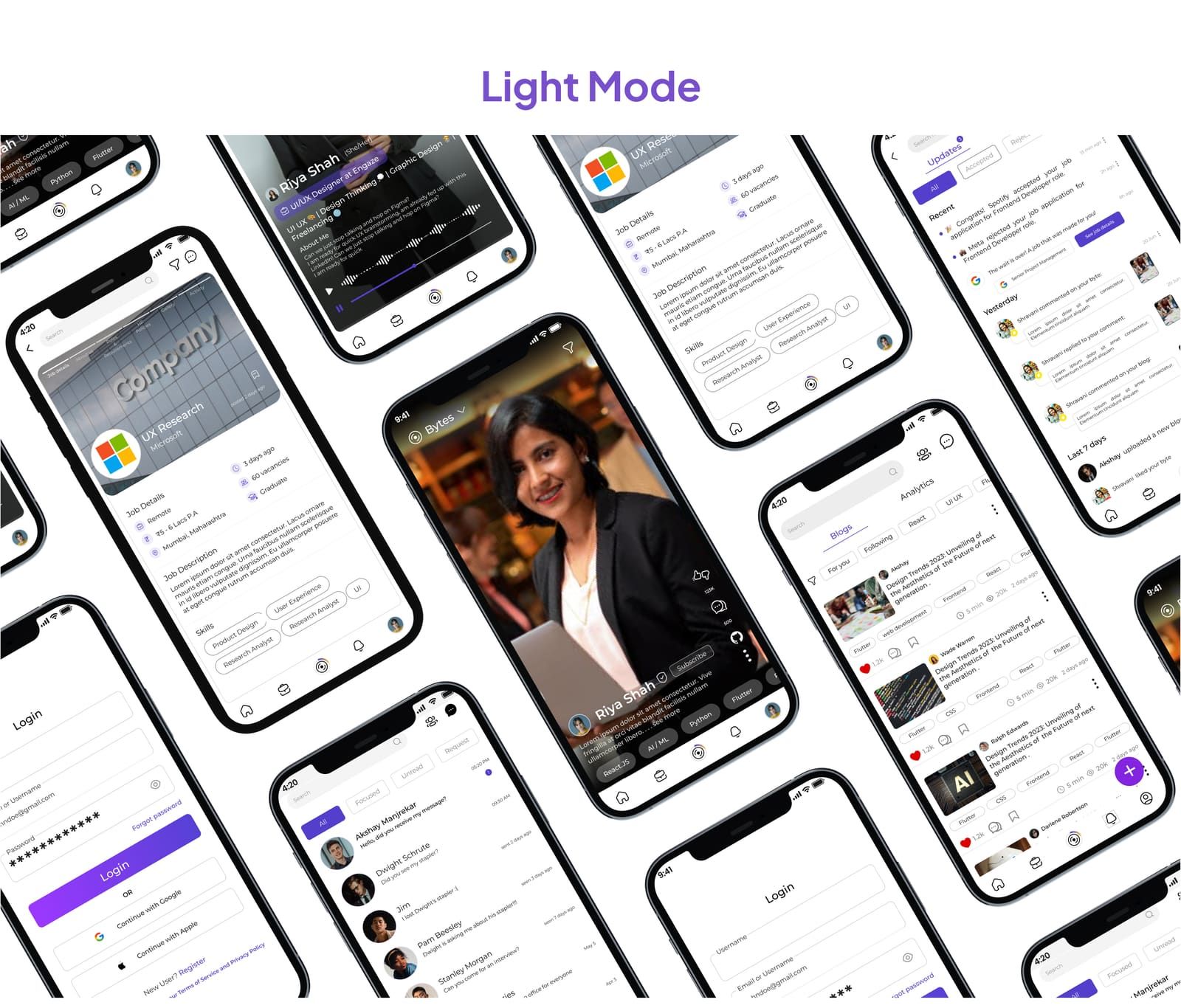
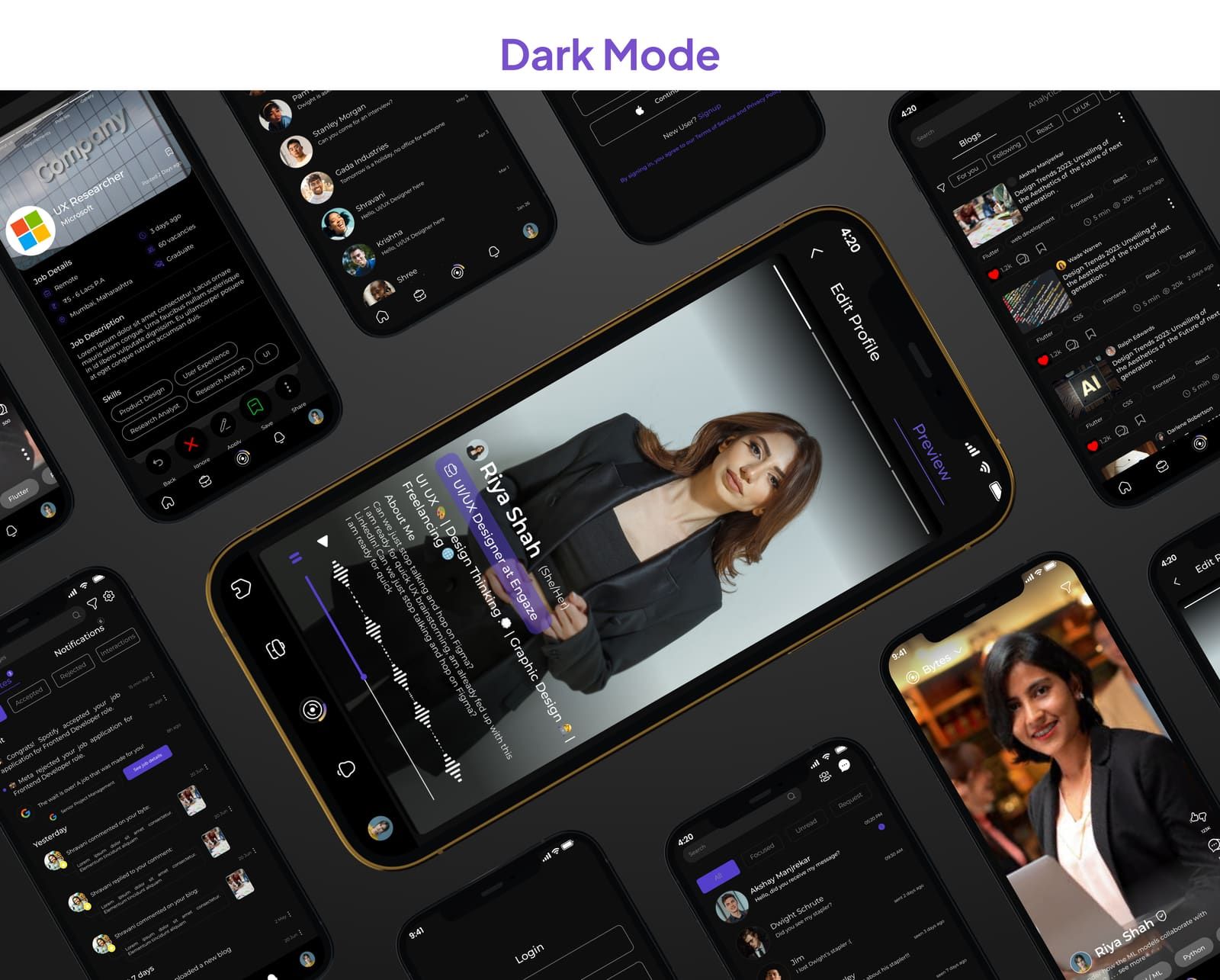
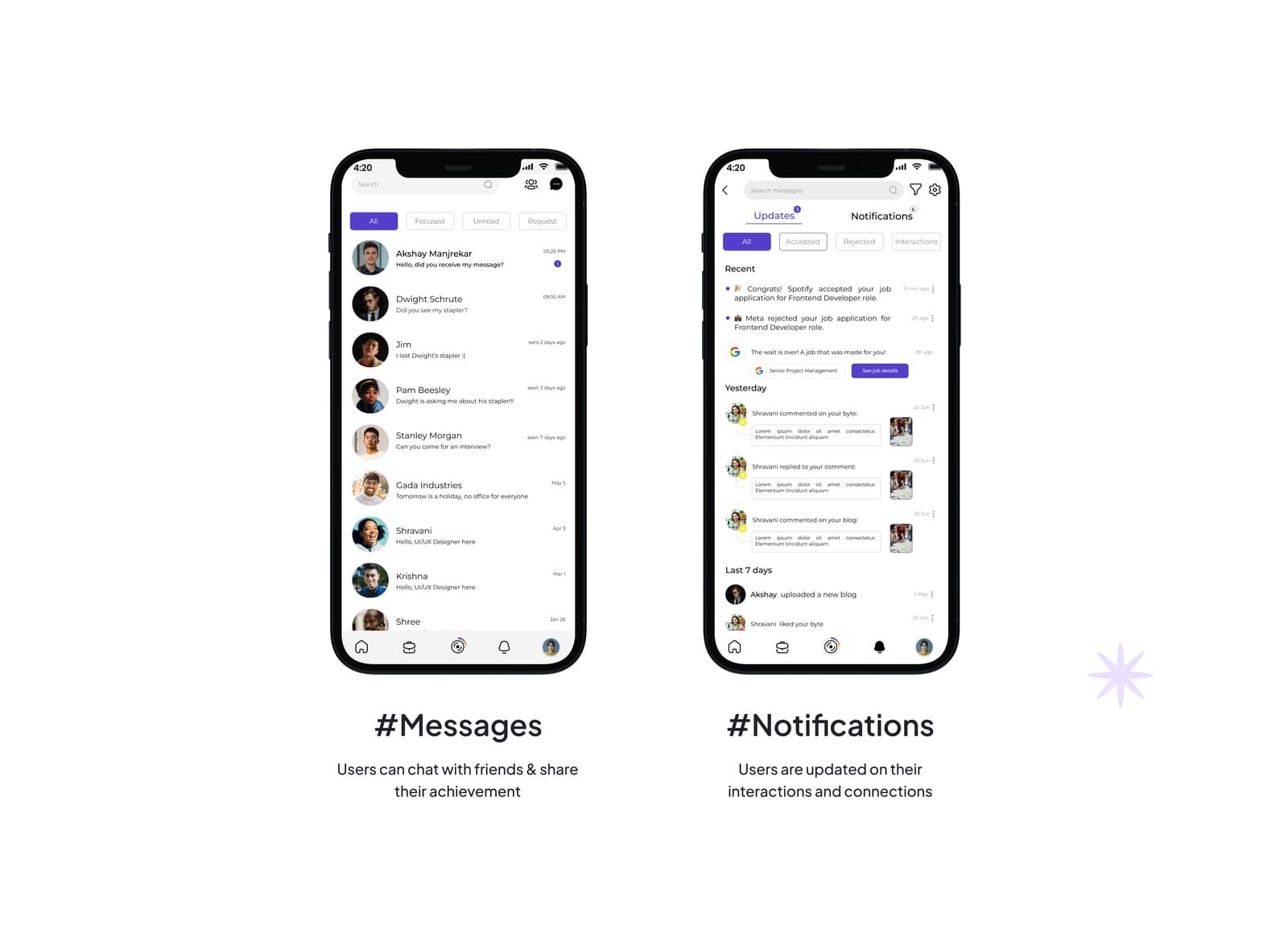
Every section, in order.
11 boards from the Engaze deck, start to finish.
More case studies
 Product · Web · App
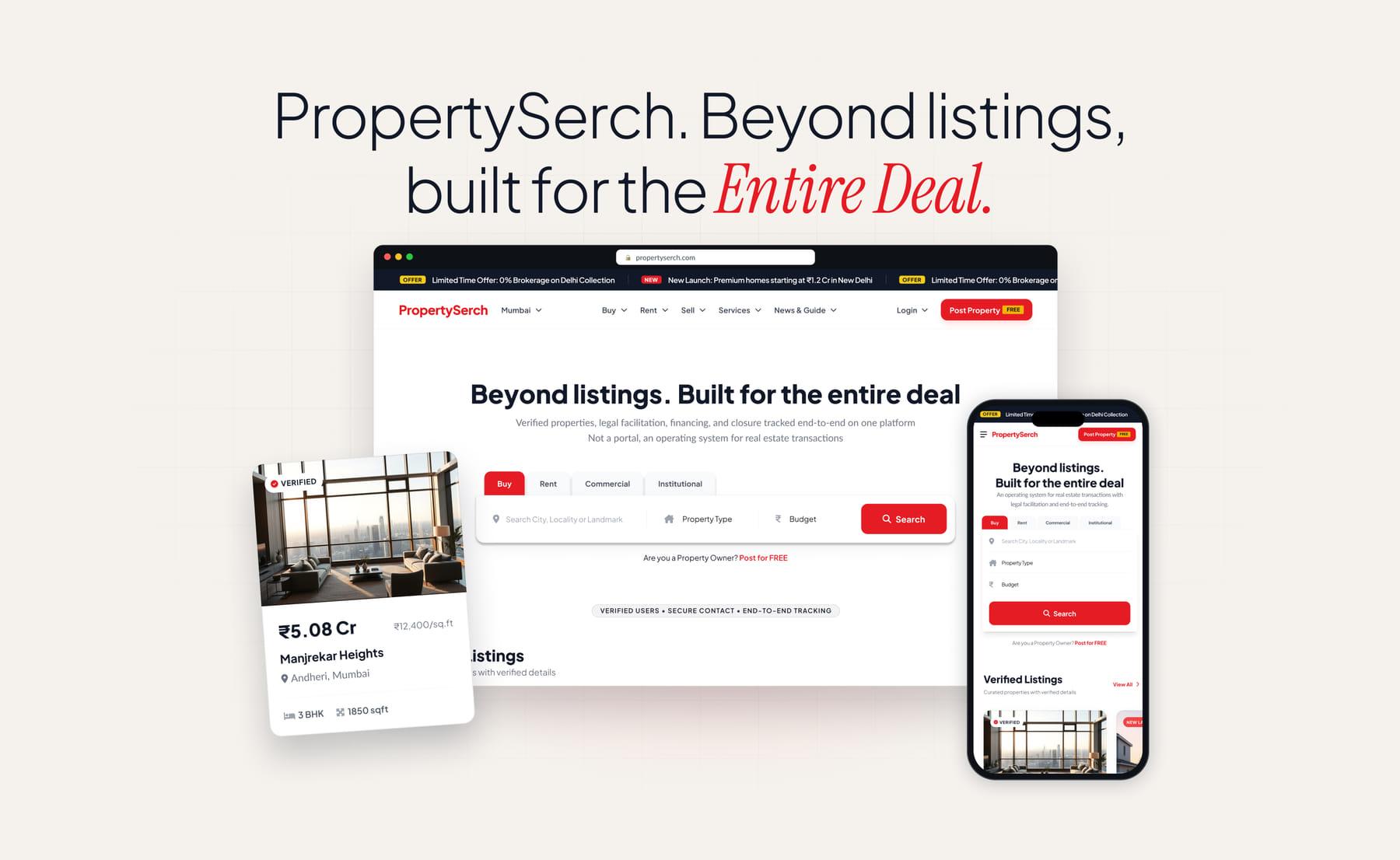
PropertySerch
Product Designer
A verified real estate marketplace where search, enquiries, site visits, legal help and financing all happen on one platform, and every contact goes through it. Fifteen web pages and thirteen mobile screens, designed end to end and handed to developers as a responsive web app and PWA.
- Figma
- Web App
- Responsive Design
 Product · Brand · App
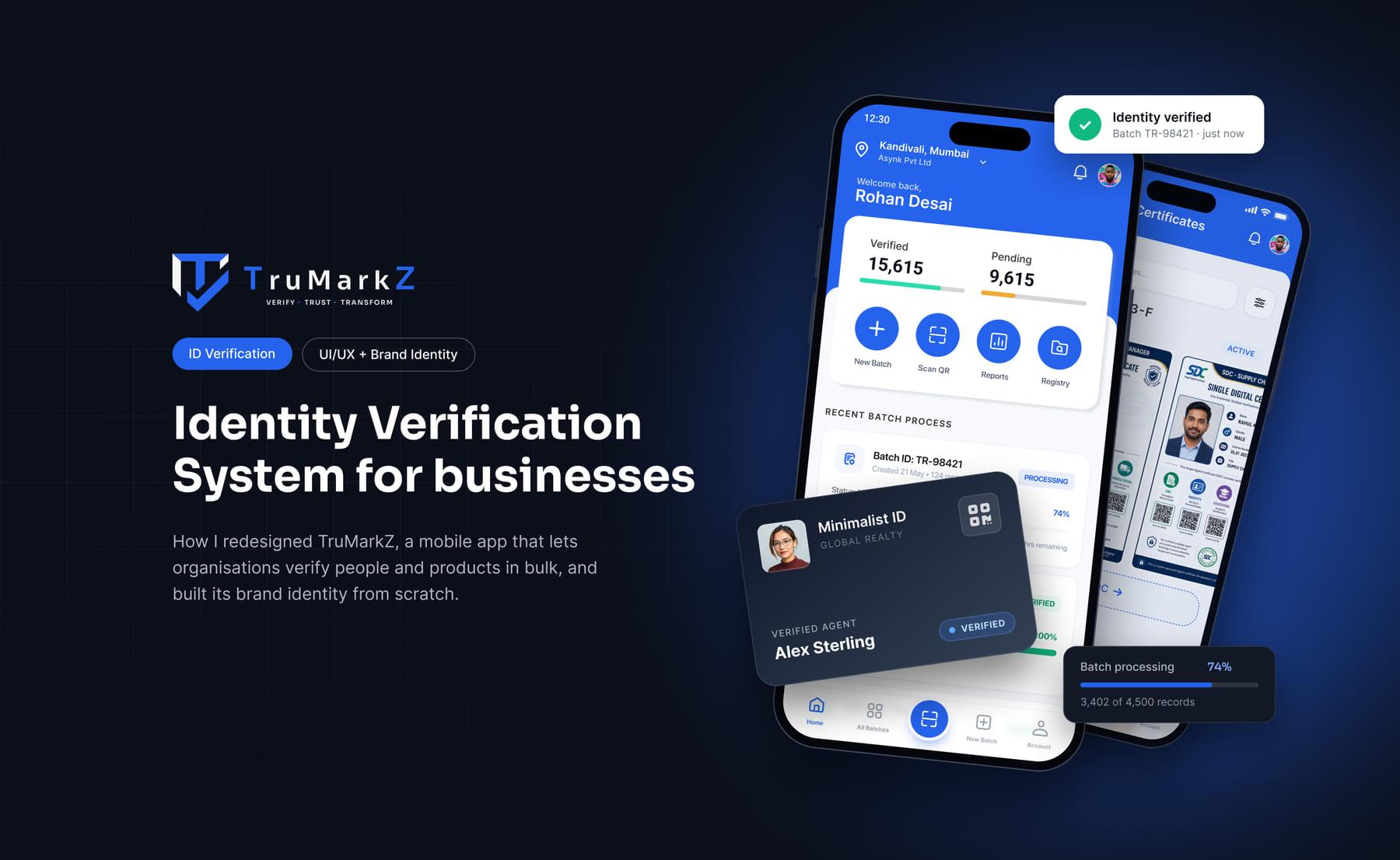
TruMarkZ
Product & Brand Designer
A B2B platform for running identity and background checks in bulk, and for issuing blockchain-backed certificates for products. I redesigned the first version of the mobile app and built the brand identity from scratch, around making a batch, what it costs and how far along it is all visible at a glance.
- Figma
- Brand Identity
- Mobile App
 XR · Game UI
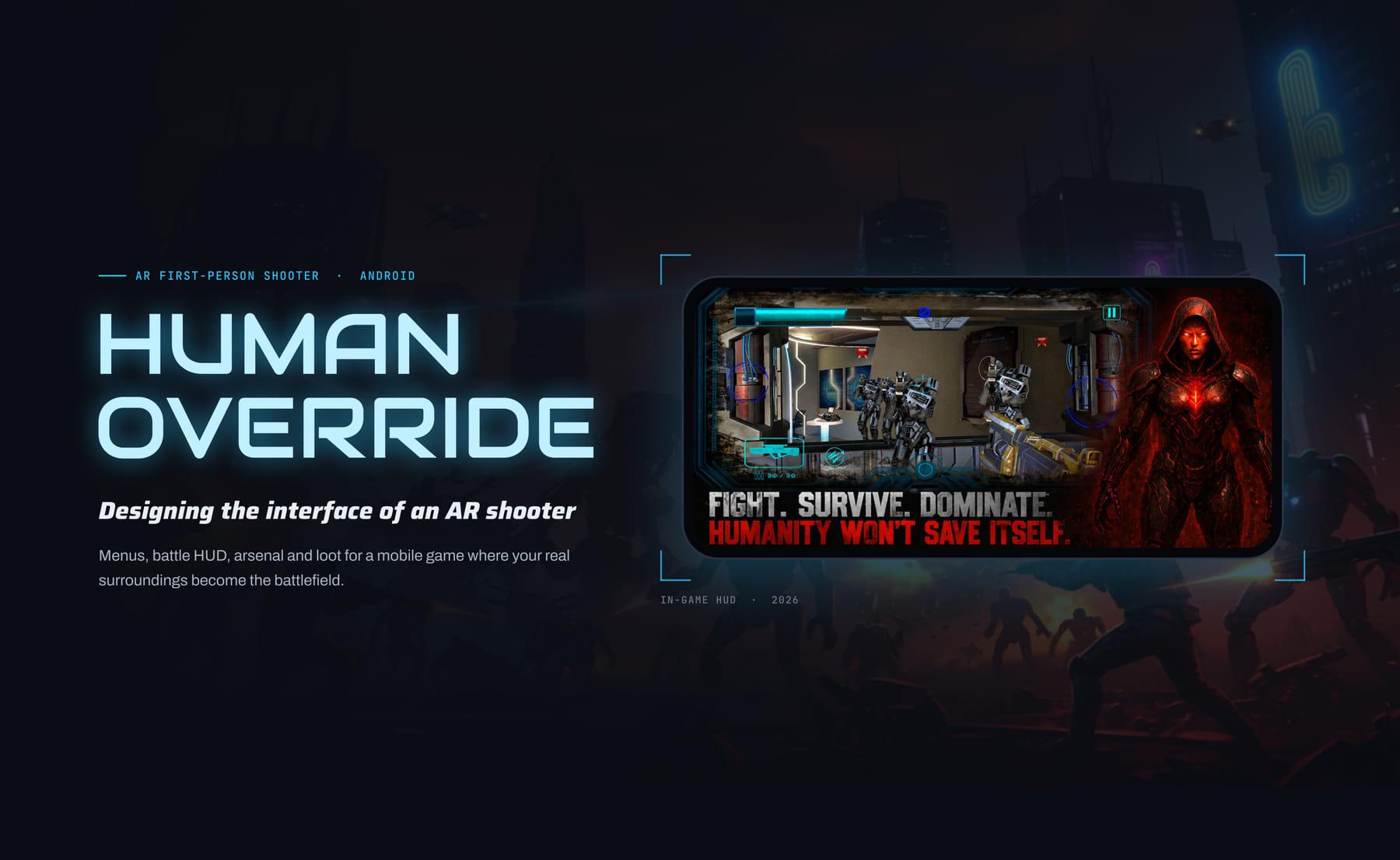
HumanOverride
UI/UX Designer
Interface design for an AR shooter on Android, where robots pour out of portals that open in your actual room. Main menu, battle HUD, arsenal, shop and chests, all built to stay readable on top of a live camera feed and to keep the middle of the screen clear for aiming. Live on Google Play.
- Figma
- Unity
- AR
 Product · Web · App
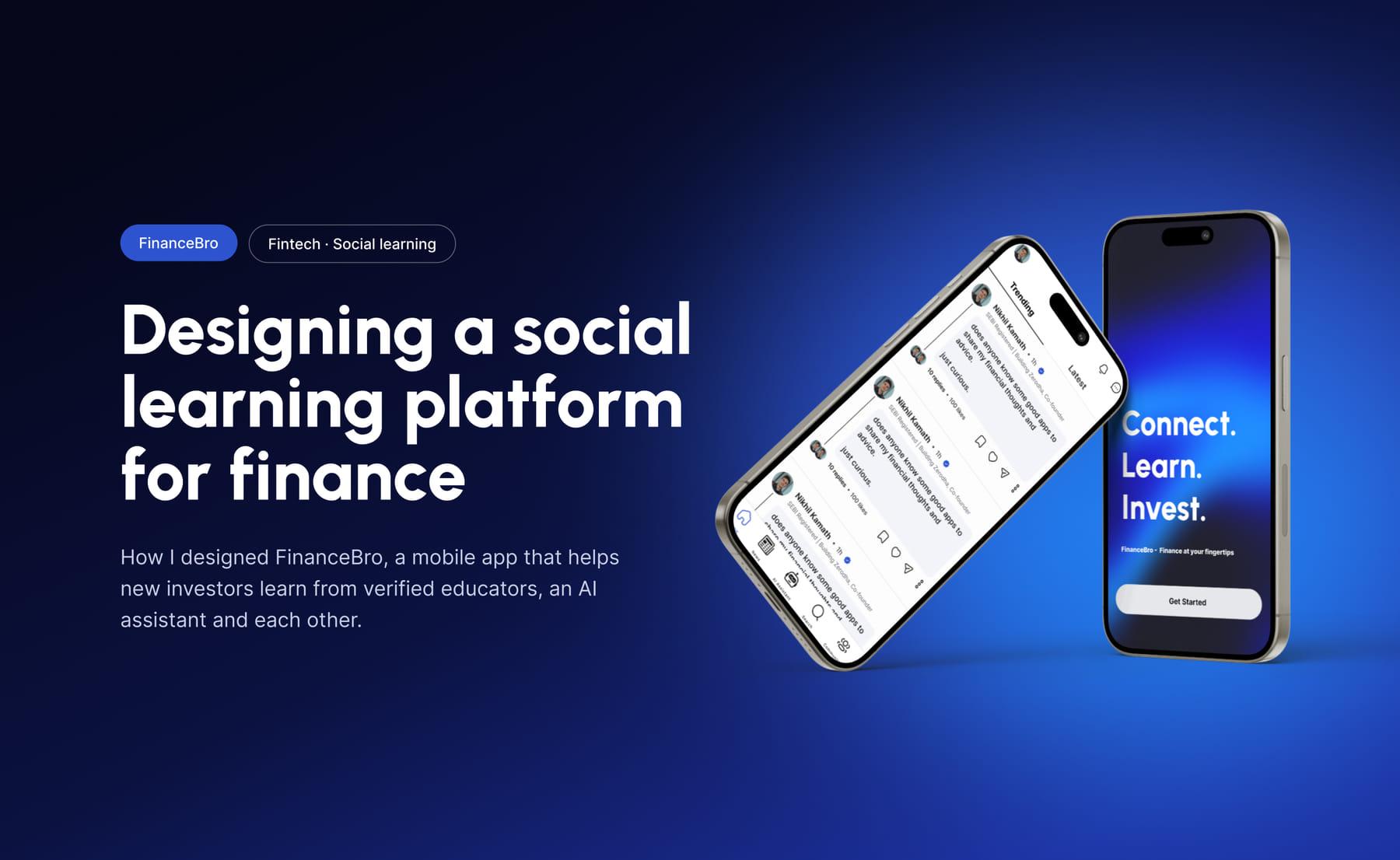
FinanceBro
Product Designer
A fintech learning platform for new investors in India. Community discussions with SEBI-registered educators, an AI finance assistant, market news and topic-based communities in one app, so beginners learn in one place instead of wading through scattered, conflicting advice. The prototype won 2nd place at Executive's Pitch 2025.
- Figma
- Competitor Analysis
- Prototyping
Let's connect
Got an idea?
Let's bring it to life.
Whether it's a product, a website or a VR experience, I'd love to hear what you're working on.